App:
Plan A
👉 Click this link directly:
Subscribe in Apple Calendar
Plan B
-
Copy the calendar feed
-
Open your Apple Calendar app.
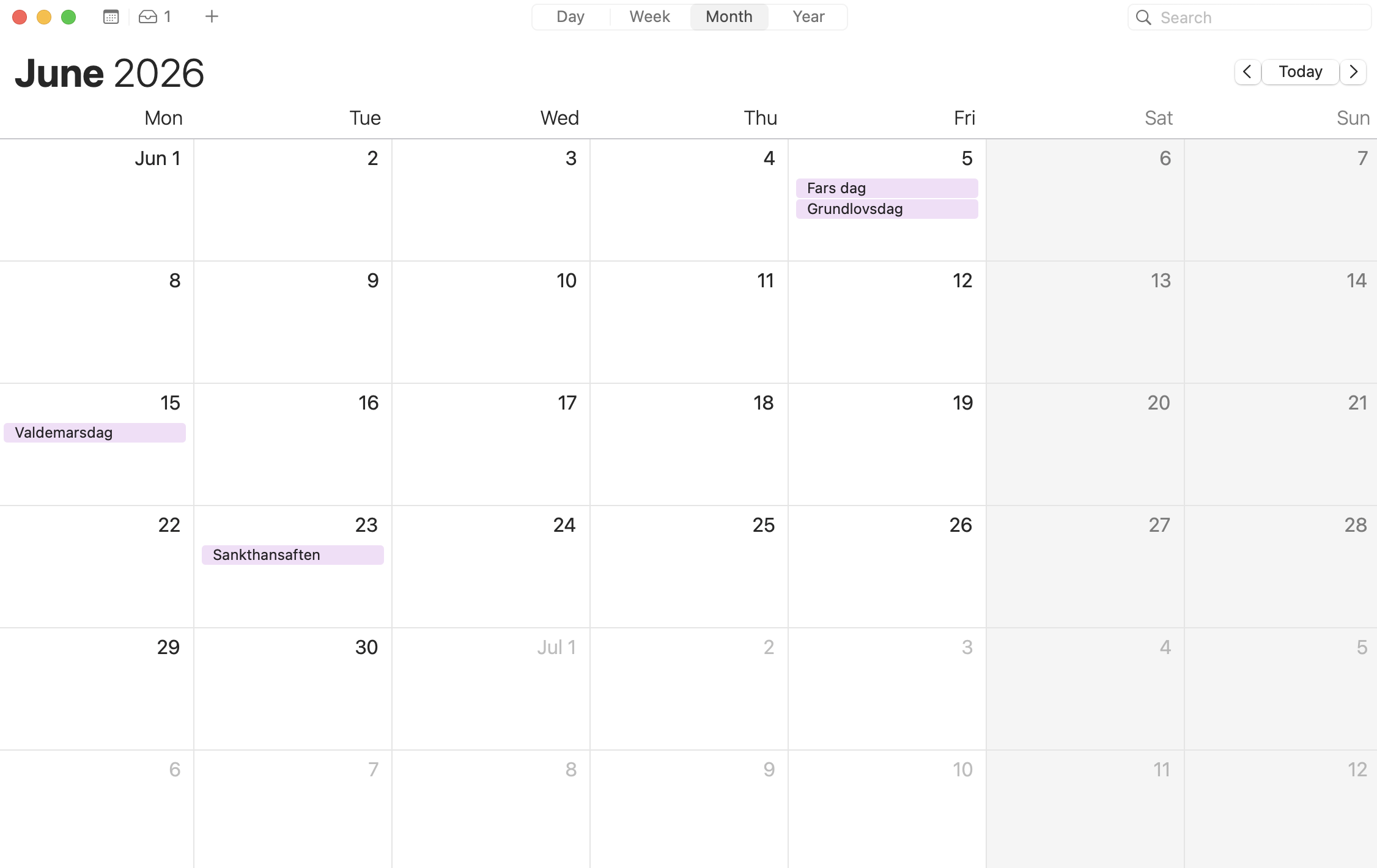
-
In the menu bar, click
"File" → "New Calendar Subscription". -
Paste in the calendar feed URL from "Step 1" in the "Calendar URL" field.
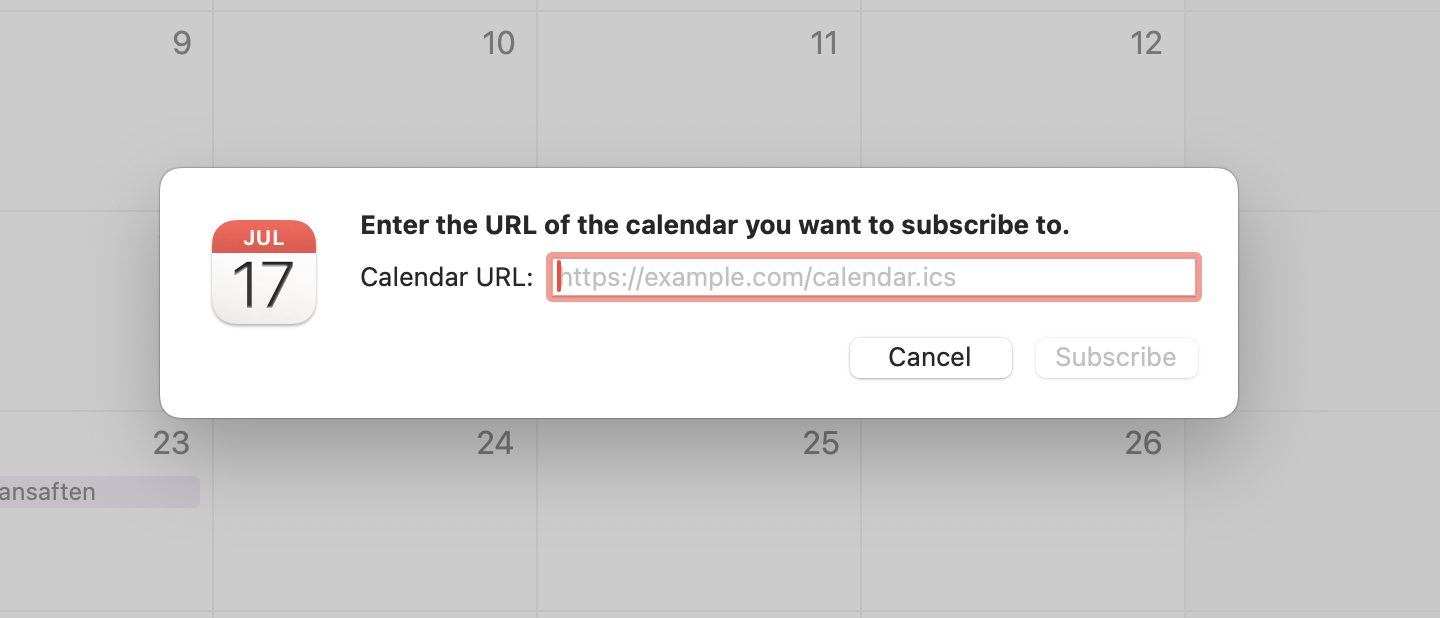
-
Click "Subscribe".